

CLOSE
MIT’s Department of Civil and Environmental Engineering is committed to maintaining a safe environment by working cooperatively with the MIT Environmental Health and Safety (EHS) Office. The MIT EHS Office is responsible for the management and delivery of services that promote environmentally responsible practices at MIT, reduce MIT’s impact on the environment, and protect the health and safety of the community at the operational level.
(Prepared by Stephen Rudolph)
Before gaining access to your lab and start working, you must register and receive all training required for the lab. MIT’s Environmental Health and Safety (EHS) office manages training through the Atlas Learning Center. Follow the instructions below to register and complete your required training.
Note: if you will also be using the lab of another PI, go back and select that PI as well (the system will allow you to select multiple PIs).
Below is a typical list of requirements if only Use potentially hazardous chemicals is selected.
Note: not all training requirements are fulfilled in same manner; follow the instructions below in Completion Method. Web-based training completed through the Learning Center should be credited immediately. In-person, digitally signed, and classroom training may take a few days to be credited.
Course | Description | Completion Method |
EHS00100 | General Chemical Hygiene | Web-based throughLearning Center |
EHS00501 | Managing Hazardous Waste | Web-based throughLearning Center |
EHS00111 | Review of Department Chemical Hygiene Plan Researchers and lab supervisors must read the Chemical Hygiene Plan and sign the acknowledgment page certifying that they have read it. | Complete this online acknowledgment form after reading the plan. |
EHS00110 | Lab Specific Chem. Hygiene Training | Training is provided in person by the EHS Representative of your lab |
If you selected biohazards you will also have the following training requirement
EHS00260 | General Biosafety for Researchers | Web-based throughLearning Center |
Depending on the requirements generated by your Training Needs Assessment; you may need to undergo some department-specific training. If you have any questions, please contact either your EHS representative or our EHS Coordinator, Glen de Vera.
Laboratory access is contingent upon completion of all required safety trainings, including both online and in-person components. In-person, lab-specific safety training is conducted by the EHS representative of your lab and includes review of all relevant risk assessments with the individual. Once all required trainings have been completed and the signed lab-specific training document has been submitted to the EHS Coordinator, the EHS representative may request laboratory access by emailing cee-lab-access@mit.edu
EHS Representative Orientation
EHS Representatives should attend EHS0760c-A: EHS Representative Orientation.
EHS on Atlas
Space registration, training reconciliation, inspections and training reports.
Training Reports
EHS reps can run a principal investigator (PI) training report by choosing Report 3: Report on all registered users under a PI or supervisor.
Level I Inspection Checklist: completed weekly, no record needed.
Level II Inspection Checklist: completed twice annually by EHS team.
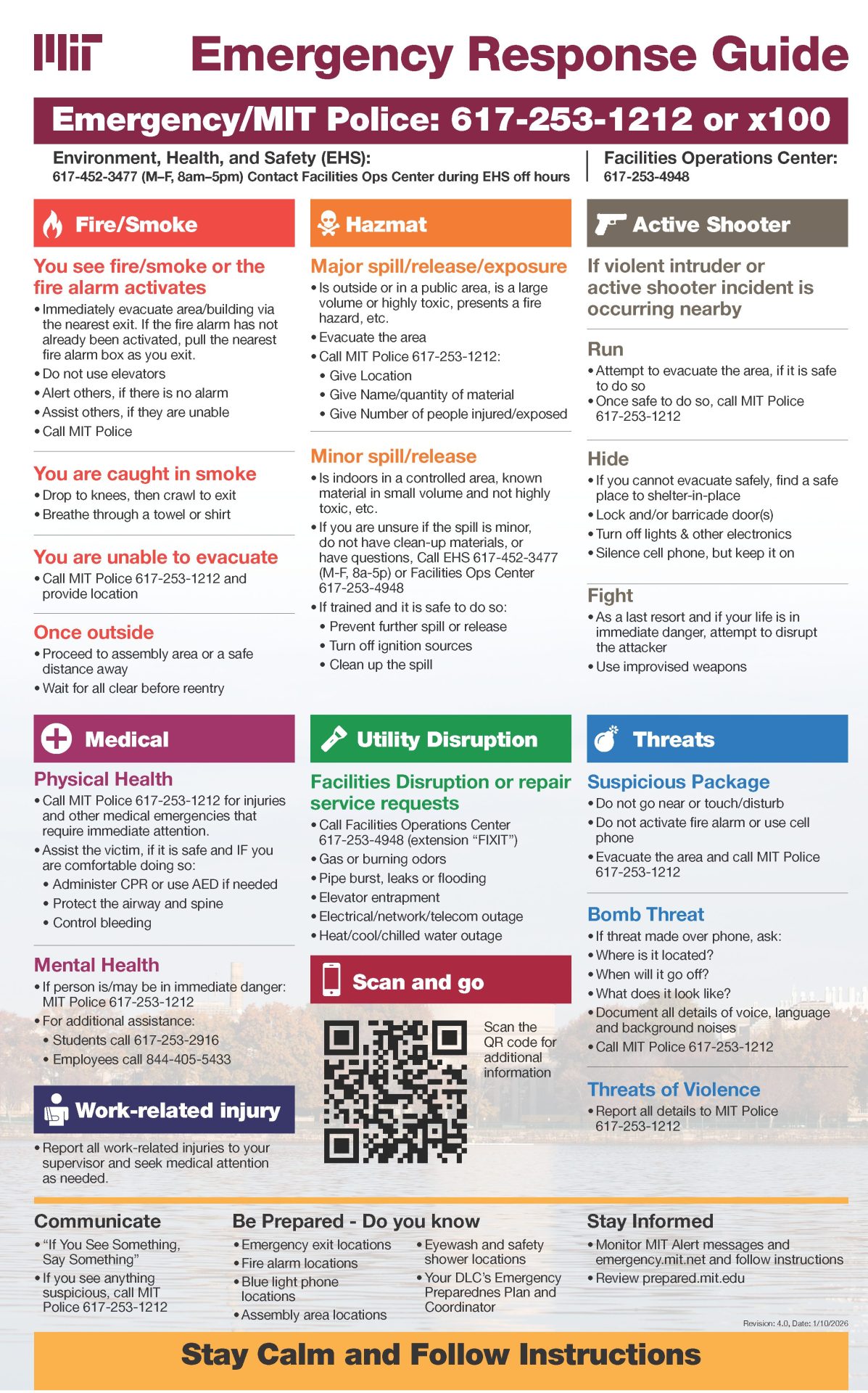
Download Emergency Response Guide (PDF)
Assembly areas:
Parsons (B48) – Sean Collier Memorial
Pierce (B1) – Corner Mass Ave and Memorial Drive